How Small Businesses Can Build a Professional Website Under $100
Starting a business no longer requires a large budget for building an online presence. In 2026, creating a professional website is more affordable than ever. Wi

Abi Nandhan
Author
Published: July 29, 2026
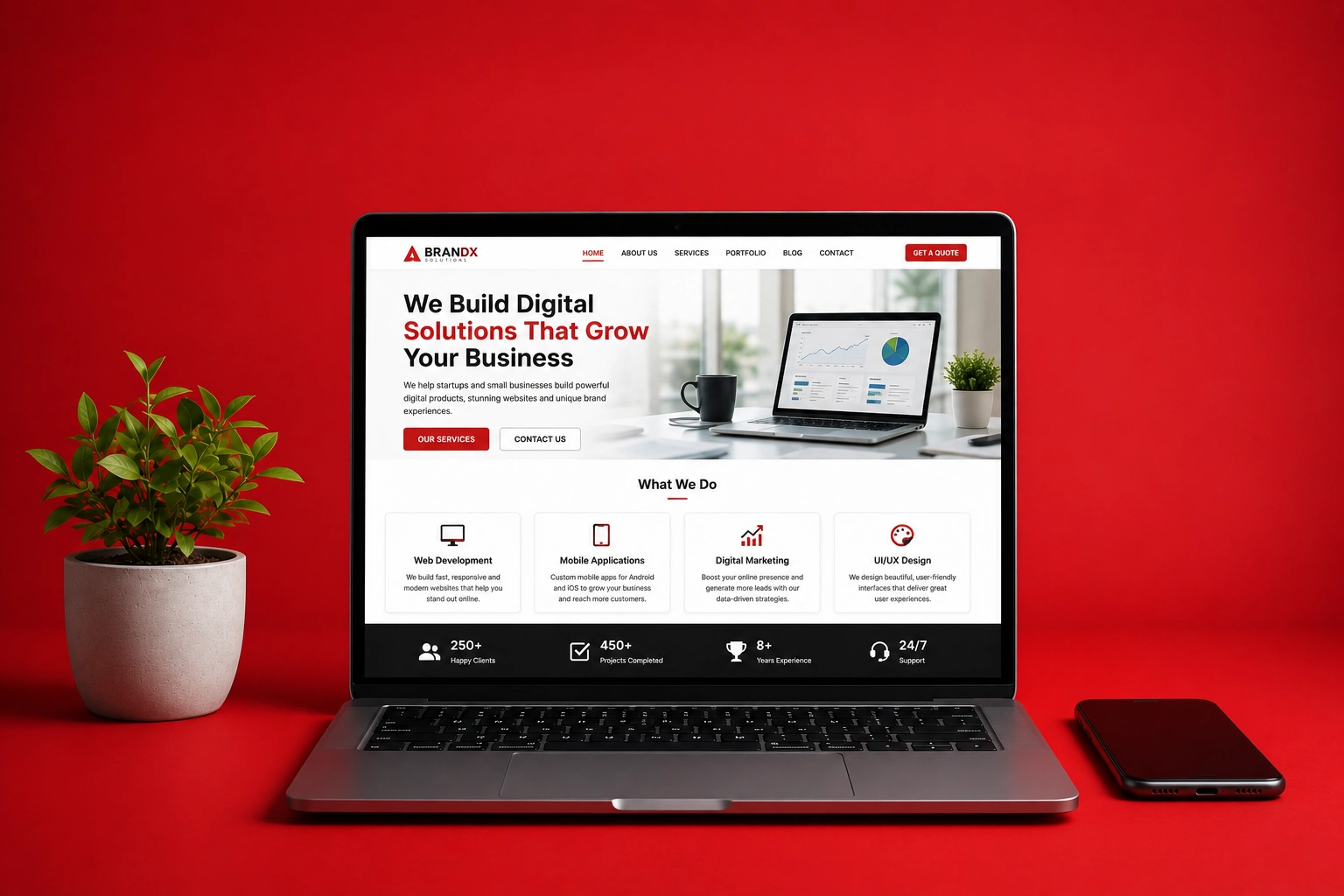
How Small Businesses Can Build a Professional Website Under $100
Starting a business no longer requires a large budget for building an online presence. In 2026, creating a professional website is more affordable than ever. With low-cost hosting, free website builders, and open-source content management systems, even small businesses can launch a modern, responsive website without spending thousands of dollars.
Whether you're a freelancer, local shop owner, startup founder, or service provider, this guide will show you how to build a professional website for under $100 without compromising on quality.
---
Why Every Small Business Needs a Website
A website acts as your digital storefront. Customers expect businesses to have an online presence where they can learn about products, services, pricing, and contact information.
A professional website helps you:
- Build trust and credibility
- Reach customers 24/7
- Generate leads
- Showcase products or services
- Improve local search visibility
- Compete with larger businesses
Even if you primarily operate through social media, owning a website gives you complete control over your brand.
---
Step 1: Register a Domain Name
A custom domain makes your business look more professional.
Instead of:
yourbusiness.freewebsite.com
Use:
www.yourbusiness.com
Typical Cost
- .com Domain: $10–15/year
- .in Domain: $5–10/year
- .net Domain: $12–18/year
Choose a short, memorable domain that matches your business name whenever possible.
---
Step 2: Choose Affordable Hosting
Web hosting stores your website and makes it accessible online.
For most small businesses, shared hosting is sufficient during the first few years.
Budget Hosting Features
Look for:
- Free SSL Certificate
- Daily Backups
- One-click WordPress Installation
- Email Accounts
- Fast SSD Storage
- Good Customer Support
Estimated Cost
$25–40/year
---
Step 3: Pick the Right Website Platform
Option 1 — WordPress
WordPress powers over 40% of websites worldwide.
It's free, flexible, and beginner-friendly.
Best for:
- Business websites
- Blogs
- Portfolio sites
- Service companies
Cost:
Free
---
Option 2 — Static Website
If your business only needs:
- Home
- About
- Services
- Contact
A static website built with HTML or modern frameworks is incredibly fast and inexpensive.
Perfect for:
- Restaurants
- Local businesses
- Consultants
- Agencies
---
Option 3 — Website Builders
If you don't want to manage hosting, website builders provide drag-and-drop editing.
These platforms are easy to use but may have monthly subscription fees.
---
Step 4: Use a Free Professional Theme
Thousands of modern themes are available for free.
Choose a responsive design that works well on:
- Desktop
- Tablet
- Mobile
Your website should load quickly and have a clean layout that reflects your brand.
---
Step 5: Create Essential Pages
Every business website should include:
Home
Introduce your business and highlight your services.
---
About
Tell your story and explain what makes your business unique.
---
Services
Clearly explain what you offer.
Include pricing if appropriate.
---
Contact
Make it easy for customers to reach you.
Include:
- Phone Number
- Email Address
- Contact Form
- Business Hours
- Google Maps
---
Privacy Policy
Essential for legal compliance and customer trust.
---
Step 6: Optimize for Mobile
More than half of web traffic comes from mobile devices.
A mobile-friendly website should have:
- Large readable text
- Fast loading speed
- Easy navigation
- Clickable buttons
- Responsive images
Google also favors mobile-friendly websites in search rankings.
---
Step 7: Add Basic SEO
Search Engine Optimization helps customers find your business online.
Focus on:
- Clear page titles
- Meta descriptions
- Optimized images
- Internal linking
- Fast loading speed
- HTTPS security
- Structured headings
---
Step 8: Connect Analytics
Understanding visitor behavior helps you improve your website over time.
Track:
- Visitor count
- Popular pages
- Traffic sources
- Device types
- User behavior
This data helps you make informed business decisions.
---
Estimated Budget
| Item | Estimated Cost |
|-------|---------------:|
| Domain Name | $12 |
| Hosting | $35 |
| SSL Certificate | Free |
| WordPress | Free |
| Theme | Free |
| Contact Form | Free |
| Analytics | Free |
| Total | Around $47 |
Even with premium add-ons or a paid theme, it's entirely possible to stay under $100.
---
Common Mistakes to Avoid
- Choosing a long or difficult domain name
- Ignoring mobile optimization
- Using low-quality images
- Overloading pages with animations
- Forgetting to back up your website
- Not updating plugins or software
- Neglecting SEO basics
---
Tips to Save Even More
- Use free themes before buying premium ones.
- Compress images to improve performance.
- Write your own content instead of outsourcing.
- Start with only essential pages.
- Use free analytics and SEO tools.
- Avoid unnecessary plugins.
---
Frequently Asked Questions
Can I build a business website without coding?
Yes. Many platforms allow you to create professional websites using visual editors, and WordPress offers thousands of themes and plugins that require little to no coding.
---
Is $100 enough?
Yes. For most small business websites, $100 is more than enough for the first year, covering the domain, hosting, and essential setup.
---
Should I hire a developer?
If you need advanced functionality, custom branding, or integrations, hiring a developer can save time and provide a polished result. However, many small businesses can start with a simple website and upgrade later.
---
Can I sell products later?
Absolutely. Many website platforms allow you to add e-commerce features as your business grows, making it easy to expand without rebuilding your site.
---
Final Thoughts
Building a professional website doesn't require a massive budget. By choosing affordable hosting, using free tools, and focusing on the essentials, small businesses can establish a strong online presence for well under $100.
Your website is often the first impression customers have of your business. Investing a little time and a modest budget today can help you attract more customers, build credibility, and grow your business in the years ahead.
---
Learn More
Looking for more practical guides on web development, AI, startups, and modern technology?
Visit Abinandhan for tutorials, development resources, and expert insights to help grow your business online.